Oracle Database Upgrade to 23ai: The Zero-Downtime Guide for DBAs Who Can't Afford to Get It Wrong
Last Updated : 06/08/2026
Estimated : 14 min read
Author : Lokesh A
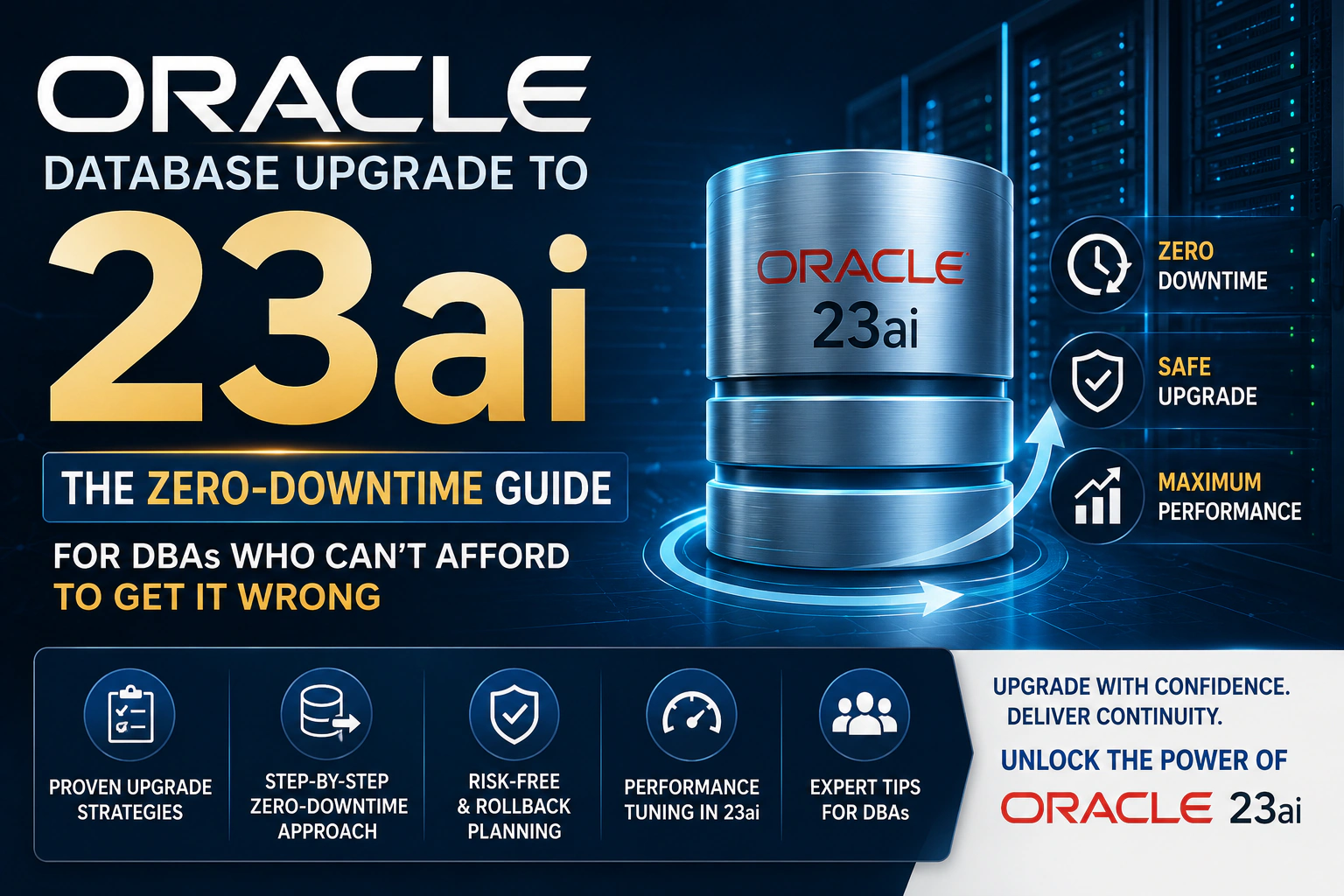
Table of Content
- Introduction
- Compatibility and Upgrade Path: The Rules DBAs Get Wrong
- The 8-Step Pre-Upgrade Checklist
- Zero-Downtime Upgrade Techniques
- Post-Upgrade Validation: The Steps DBAs Skip That Come Back to Bite Them
- How VeeTee Manages Oracle Upgrades for Enterprise Clients
- AutoUpgrade: Oracle's Recommended Upgrade Tool
- Zero-Downtime Techniques for Production Databases
- Post-Upgrade Validation: Before You Declare Success
- When to Bring In External Oracle DBA Expertise
- How VeeTee Manages Oracle Upgrades for Enterprise Clients
- Conclusion
- Get a free Oracle Database health check
- Frequently Asked Questions (FAQ)
Introduction
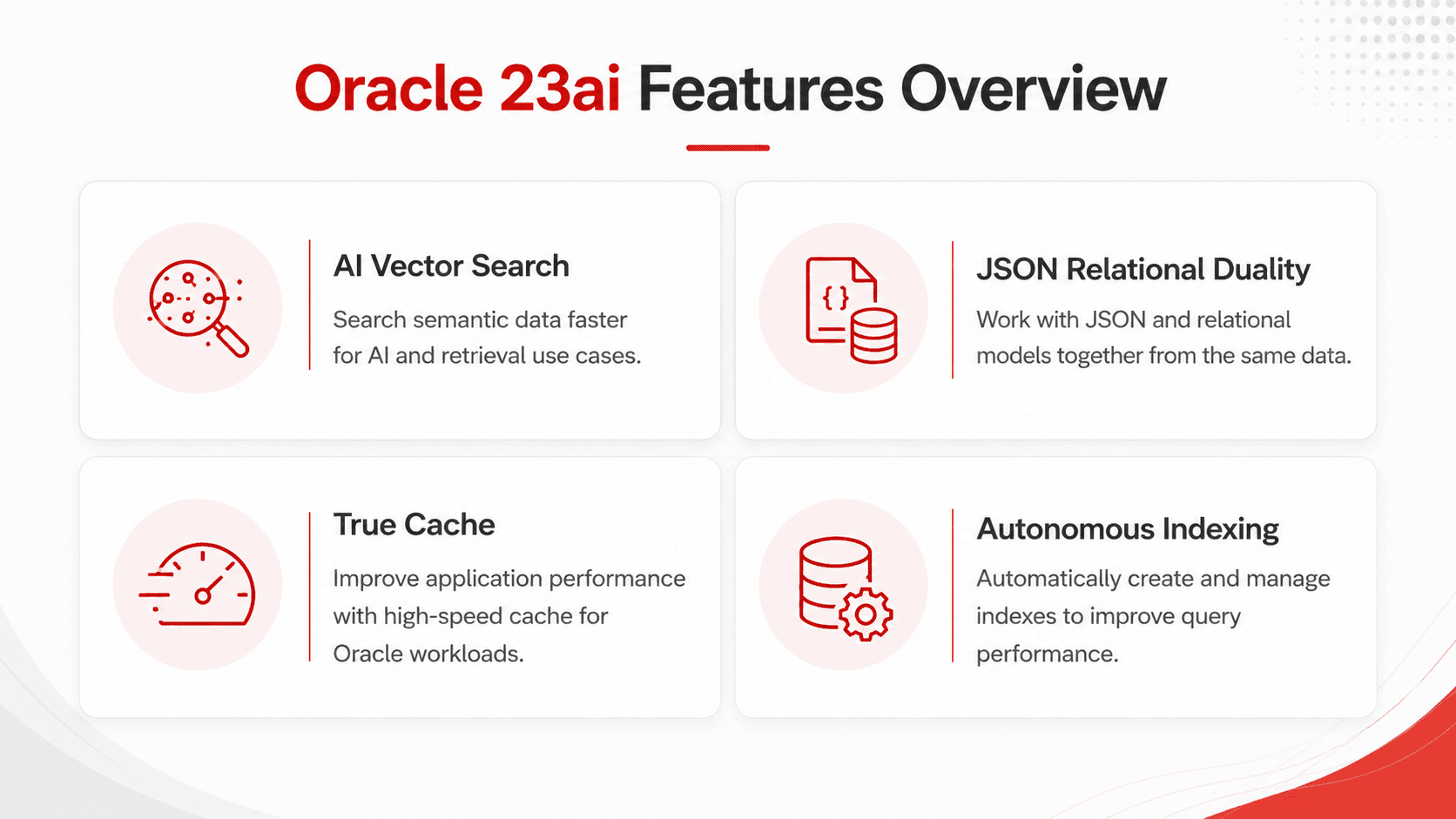
Oracle Database 23ai is Oracle's current Long-Term Support release, with extended support committed through April 2032. It introduces AI Vector Search as a native database capability (eliminating the need for a separate vector database in most enterprise AI use cases), JSON Relational Duality for working with relational data as JSON documents without data duplication, and True Cache — a horizontally scalable, in-memory cache fully consistent with the primary database. For DBAs maintaining Oracle environments serving enterprise applications, 23ai is not just a version number — it is a platform that changes what the database can do.
But the upgrade path has specific constraints. Contrary to what some planning guides imply, direct upgrade to Oracle 23ai is only supported from Oracle 19c and Oracle 21c. Organizations running Oracle 12c, 11g, or earlier must first upgrade to 19c before moving to 23ai. The CDB (Container Database) architecture is mandatory in 23ai — non-CDB databases must be migrated to CDB/PDB structure as part of the process. This guide covers the pre-upgrade checklist, the zero-downtime techniques that work at production scale, and the post-upgrade validation steps that matter.
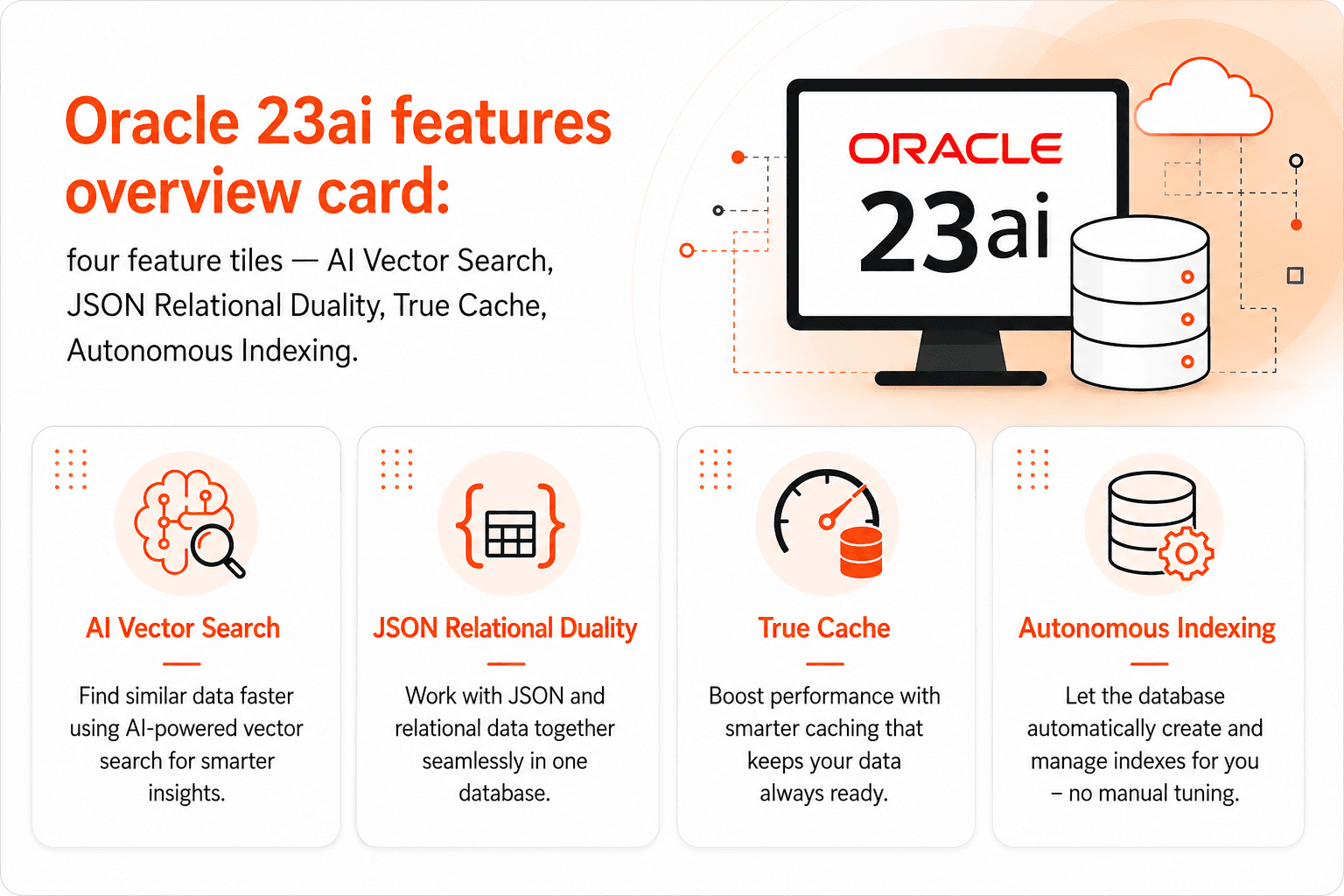 Oracle 23ai at a glance: AI Vector Search, JSON Relational Duality, True Cache, and Long-Term Support through April 2032
Compatibility and Upgrade Path: The Rules DBAs Get Wrong
The most common planning mistake is assuming a direct upgrade path from 12c or earlier. NCS London's Oracle 23ai migration planning guide and Oracle's own documentation are unambiguous: 23ai accepts direct upgrades only from 19c (19.3+) and 21c. If your current environment runs 12.2, you have a two-stage upgrade: first to 19c, then to 23ai. If you run 11g, you have a three-stage path. Plan your total timeline and downtime budget accordingly.The non-CDB deprecation is the second major constraint. Oracle has deprecated non-CDB architecture as of 21c and removed it in 23ai. Every non-CDB database must be converted to a Pluggable Database (PDB) within a Container Database (CDB) as part of the 23ai upgrade. For organisations running multiple non-CDB databases, this conversion adds meaningful project time — but also creates the foundation for better consolidation, resource governance, and multi-tenancy management going forward.
The 8-Step Pre-Upgrade Checklist
DBAInsight's Oracle 23ai upgrade benefits analysis documents the most common causes of post-upgrade failures — almost all traceable to skipped pre-upgrade steps. Here is the checklist experienced DBA teams complete before any production upgrade:
- Run Oracle's Pre-Upgrade Information Tool (preupgrade.jar) from the 23ai installation against your current database. It identifies deprecated features in use, invalid objects, and configuration parameters that must be changed before the upgrade can proceed.
- Check COMPATIBLE parameter: it must be set to 19.0 or higher for a source 19c database. Once set to 23.0 post-upgrade, it cannot be rolled back — this is the point of no return.
- Identify and resolve all INVALID objects in DBA_OBJECTS. Run utlrp.sql to recompile. Invalid objects do not block the upgrade but will cause application failures immediately post-upgrade.
- Review deprecated initialisation parameters. Parameters deprecated in 23ai must be removed from init.ora or spfile before the upgrade starts.
- Capture a full performance baseline using AWR snapshots, Statspack, or your APM tool. Post-upgrade performance comparison without a baseline makes regression analysis guesswork.
- Create a Guaranteed Restore Point before initiating the upgrade. This is your rollback mechanism if the upgrade fails or post-upgrade testing reveals critical issues.
- Verify disk space: 23ai requires additional space for the new Oracle Home. Check database data files, redo logs, archive logs, and temp tablespace headroom.
- Document and test your application connection strings, JDBC drivers, and any Oracle-version-specific SQL syntax in your application code that may behave differently in 23ai.
 Oracle Data Guard zero-downtime upgrade architecture: primary + standby + switchover sequence
Zero-Downtime Upgrade Techniques
Option A: AutoUpgrade Tool (Recommended for Standard Upgrades)
Oracle's AutoUpgrade tool automates most of the upgrade process — pre-checks, the upgrade itself, post-upgrade fixups, and validation — with a single command-line execution. For databases with planned maintenance windows where some downtime is acceptable (even a few hours), AutoUpgrade is the recommended approach. It handles CDB/PDB conversion, invalid object recompilation, and time zone file updates automatically. Always run AutoUpgrade in Analyse mode first (no changes) to confirm all pre-checks pass before running in Deploy mode.
Option B: Oracle Data Guard Rolling Upgrade (Zero Planned Downtime)
For production databases where any planned downtime is unacceptable, DBAInsight's zero-risk migration guide documents the Data Guard rolling upgrade approach. The process: upgrade the standby database to 23ai first while the primary remains on 19c. Oracle Data Guard's compatibility mode maintains replication between the mixed-version pair during this window. Once the standby is upgraded and validated, perform a switchover — the standby becomes the new primary on 23ai, the old primary becomes the new standby. Application downtime is limited to the switchover operation, typically 30–90 seconds.
Option C: GoldenGate Parallel Replication (Complex Environments)
For environments with multiple application tiers, complex database interdependencies, or requirements to roll back to 19c at any point post-switchover, Oracle GoldenGate provides bidirectional replication during the transition period. This is the most complex and expensive option — requiring GoldenGate licensing — but offers the most flexibility: both the 19c and 23ai databases are live simultaneously, allowing incremental traffic cutover by application tier and genuine rollback capability even after the primary has moved to 23ai.
Post-Upgrade Validation: The Steps DBAs Skip That Come Back to Bite Them
The upgrade completing without errors is not validation. Post-upgrade validation requires: running Oracle's postupgrade_fixups.sql to complete remaining post-upgrade tasks; checking DBA_REGISTRY to confirm all components show VALID status; running a full application smoke test against the upgraded database before reconnecting production traffic; reviewing AWR performance data for the first 24–48 hours post-upgrade against the pre-upgrade baseline captured in your checklist; and validating backup and recovery procedures work against the new version, including a test restore.
How VeeTee Manages Oracle Upgrades for Enterprise Clients
VeeTee's Oracle database support team has managed Oracle production upgrades across environments in India, UAE, and the UK for over 17 years. Our upgrade engagements follow a phased approach: detailed current-state assessment including COMPATIBLE parameter review, non-CDB inventory, and deprecated feature audit; upgrade path design with zero-downtime technique selection based on your business requirements and RTO/RPO constraints; a staged upgrade execution through Dev and UAT environments before production; and post-upgrade performance monitoring for a defined stabilisation period.
For organisations also planning infrastructure modernisation alongside the database upgrade, our cloud migration practice combines Oracle 23ai upgrade with OCI (Oracle Cloud Infrastructure) migration, consolidating what might otherwise be two separate projects into a single coordinated engagement.
AutoUpgrade: Oracle's Recommended Upgrade Tool
Oracle AutoUpgrade is the officially recommended mechanism for moving from Oracle 19c to 23ai. It operates across four phases: preparation (validates the environment), pre-upgrade (applies required fixups automatically), upgrade (executes the version migration), and post-upgrade (recompiles invalid objects, gathers statistics). The tool automates the majority of steps that DBAs previously executed manually — reducing both elapsed time and the risk of human error during complex sequential steps.
AutoUpgrade handles CDB/PDB conversion, invalid object recompilation, and time zone file updates automatically. Always run it in Analyse mode first — it makes no changes and confirms every pre-check passes — before running in Deploy mode against the real database. Treat a clean Analyse run as the gate for scheduling the maintenance window, not as an optional formality.
In Oracle 23ai, AutoUpgrade can be combined with Data Guard and Real Application Testing operations within a single auditable workflow — a significant improvement over previous Oracle versions where these had to be coordinated manually across separate tools. The result is an upgrade process that is both faster and more comprehensively documented for audit purposes. For databases with a planned maintenance window where a few hours of downtime is acceptable, AutoUpgrade is the recommended approach and you do not need the more complex techniques below.
Zero-Downtime Techniques for Production Databases
Oracle Data Guard Rolling Upgrade
For databases where even minutes of downtime are unacceptable, Oracle Data Guard's Transient Logical Standby (TLS) method delivers the lowest possible application downtime. The process:
- Convert the physical standby to a logical standby database.
- Upgrade the logical standby to Oracle 23ai while the primary continues running on 19c.
- Oracle SQL Apply replicates transactions from the 19c primary to the 23ai logical standby in real time.
- Execute a controlled switchover to promote the 23ai standby to primary.
- Upgrade the original primary, now in the standby role, to 23ai.
Total application downtime is limited to the switchover window — typically 30 to 90 seconds for well-prepared environments. The extended upgrade work happens entirely on the standby, invisible to the application.
Oracle GoldenGate with Parallel Replication
For heterogeneous platform migrations orcloud-to-cloud migrationscenarios, GoldenGate maintains continuous transaction-level replication between source and target environments. The production cutover involves stopping writes to the source, allowing GoldenGate to drain to zero lag, and redirecting application connections to the target. Downtime is typically under five minutes, with no data loss if GoldenGate reaches zero lag before the cutover window.
This is the most complex and most expensive of the three options — it requires GoldenGate licensing — but it buys flexibility the others cannot. With bidirectional replication configured, both the 19c and the 23ai databases are live simultaneously, which allows traffic to be cut over incrementally by application tier rather than all at once, and preserves genuine rollback capability even after the primary has moved to 23ai. For environments with multiple application tiers, complex database interdependencies, or a hard requirement to return to 19c at any point post-switchover, that flexibility is what justifies the cost.
Oracle Flashback Database as the Rollback Insurance Policy
Oracle Flashback Database — the rollback mechanism whose Guaranteed Restore Point you created in Step 10 of the pre-upgrade checklist — allows DBAs to rewind an entire database to a specific point in time without a full RMAN restore. If the upgrade produces unexpected performance regressions or compatibility failures post-cutover, Flashback returns the database to its pre-upgrade state in minutes, not hours. Flashback is fully integrated with Data Guard and RAC environments in Oracle 23ai, providing precise, checkpoint-aligned recovery capability at each phase of the migration.
Post-Upgrade Validation: Before You Declare Success
- Run postupgrade_fixups.sql to complete the remaining post-upgrade tasks Oracle defers until after the version migration finishes.
- Run utlrp.sql to recompile all invalid database objects, then confirm zero invalid objects remain.
- Query DBA_REGISTRY and confirm every database component reports VALID status. A single INVALID component here is a failed upgrade, regardless of what the logs said.
- Verify the COMPATIBLE parameter value is correctly set — and remember that raising it to 23.0 forfeits your Flashback rollback path.
- Run a full application smoke test against the upgraded database before reconnecting production traffic, covering every application owner and connection path to the new CDB/PDB structure.
- Re-run SQL Performance Analyzer against the production workload capture and compare results against the pre-upgrade baseline.
- Review AWR performance data for the first 24–48 hours post-upgrade against the baseline captured in Step 7 of the checklist.
- Execute a test backup and recovery sequence — including an actual test restore — against the upgraded database to confirm your procedures work on the new version.
- Monitor the alert log for 72 hours post-cutover for late-surfacing issues.
When to Bring In External Oracle DBA Expertise
Four situations meaningfully increase Oracle 23ai upgrade risk to the point where external DBA support recovers its cost quickly:
- Your source database is Oracle 18c or older, requiring a multi-hop upgrade path with an intermediate 19c migration.
- Your database is currently non-CDB, requiring mandatory architecture restructuring as part of the upgrade.
- Your organisation has a zero-tolerance policy for unplanned downtime and the in-house team has not previously executed a major Oracle version upgrade.
- Your Oracle deployment includes custom applications with undocumented internal API dependencies that may require compatibility remediation.
How VeeTee Manages Oracle Upgrades for Enterprise Clients
VeeTee'sOracle database support teamhas managed Oracle production upgrades across environments in India, the UAE, and the UK for over 17 years. Our upgrade engagements follow a phased approach: a detailed current-state assessment covering COMPATIBLE parameter review, non-CDB inventory, and deprecated feature audit; upgrade path design with the zero-downtime technique selected against your actual RTO and RPO constraints rather than a default; staged execution through Dev and UAT environments before production is touched; and post-upgrade performance monitoring through a defined stabilisation period.
For organisations also planning infrastructure modernisation alongside the database upgrade, ourcloud migration practicecombines the Oracle 23ai upgrade with an OCI (Oracle Cloud Infrastructure) migration — consolidating what would otherwise be two separate projects, two test cycles, and two cutover windows into a single coordinated engagement.
Conclusion
The Oracle 23ai upgrades that go badly are almost never the ones that failed technically — they are the ones where the compatibility path, the non-CDB restructuring, or the rollback plan was discovered late. Establish your upgrade path first, complete the eight pre-upgrade steps in sequence, and choose a zero-downtime technique that matches your actual tolerance for a cutover window. The upgrade itself is then the least eventful part of the project.
Get a free Oracle Database health check
VeeTee's Oracle DBA team has managed database upgrades, migrations, andOracle database supportengagements for enterprise clients across the UAE, UK, USA, and India for 17 years. We offer a free Oracle Database health check that assesses your current environment, identifies your upgrade path, maps compatibility risks, and designs your zero-downtime migration strategy — before you commit to project scope or timeline.Contact our certified DBA teamto book yours.
Frequently Asked Questions (FAQ)
No. Oracle 23ai only accepts direct upgrades from Oracle 19c (19.3+) and Oracle 21c. Organizations running 12c must first upgrade to 19c, then upgrade to 23ai. This two-stage path is the minimum for 12c — if your environment runs 12.1 or earlier, you may need three stages. Plan your total project timeline to account for both upgrades, including pre-checks, testing, and stabilisation periods for each stage.
Yes. Oracle removed non-CDB (non-Container Database) architecture in Oracle 23ai. All databases must be structured as Pluggable Databases (PDBs) within a Container Database (CDB). If your current environment runs non-CDB databases, the CDB migration is a required step in your 23ai upgrade project. Oracle provides the Plug-In method for converting non-CDB databases to PDBs. For organisations running multiple non-CDB databases, this conversion step typically adds 2–4 weeks to the project timeline depending on environment complexity.
A Guaranteed Restore Point is a named point-in-time marker in Oracle Flashback Database that allows you to return the database to its exact state at that moment. Created before the upgrade begins, it is your 'undo' mechanism if the upgrade fails after it has started or if post-upgrade application testing reveals critical failures. Unlike a standard backup restore — which can take hours for large databases — a Flashback Database to a Guaranteed Restore Point typically completes in minutes. It is a non-negotiable pre-upgrade step for any production Oracle database.
Oracle Database 23ai is designated as a Long-Term Support (LTS) release with Premier Support committed through April 2029 and Extended Support through April 2032. This makes it a stable upgrade target for organisations that want to standardise on a release and receive security patches and bug fixes for a multi-year horizon without another major version upgrade. Oracle's previous LTS release, 19c, has been the dominant enterprise standard since 2019 — 23ai is its successor.
Oracle Flashback Database allows a DBA to rewind an entire Oracle database to a specific point in time — identified by a Guaranteed Restore Point created before the upgrade — without performing a full RMAN restore from backup. For upgrade risk management, this means that if the upgrade produces unexpected results or performance regressions after production cutover, the database can be returned to its pre-upgrade state in minutes rather than the hours required for a backup-based restore. Flashback is integrated with Data Guard and RAC environments, providing recovery capability that does not require taking systems offline for extended periods. Creating the Guaranteed Restore Point before the upgrade begins is a non-negotiable pre-upgrade step for any production Oracle database.
Oracle Database 23ai is designated a Long-Term Support (LTS) release, with Premier Support committed through April 2029 and Extended Support through April 2032. That makes it a stable standardisation target: organisations can settle on a single release and continue receiving security patches and bug fixes across a multi-year horizon without another major version upgrade. Oracle's previous LTS release, 19c, has been the dominant enterprise standard since 2019 — 23ai is its designated successor.
AI Vector Search is Oracle 23ai's native capability to store, index, and query vector embeddings directly in Oracle Database — using the VECTOR data type and the VECTOR_DISTANCE function. This means organisations can run similarity searches (the foundation of RAG — Retrieval Augmented Generation — architectures) against their own structured and unstructured data without a separate vector database. For enterprises building AI applications that need to ground LLM outputs in internal company data, this capability eliminates a significant integration complexity. If your organisation is evaluating or building AI applications, AI Vector Search in 23ai is a meaningful reason to accelerate your upgrade timeline.
Get in Touch
Contact Us
+91 9500945700
adm@vttech.in
No: 8/65, 1st Floor, Radhakrishnan Street, Shankaran Avenue, Velachery, Chennai, Tamil Nadu – 600042, India.
We’re here to help you !